Changelog / 2026 /
Mobile web, dashboard editing, breakeven thresholds and Spanish
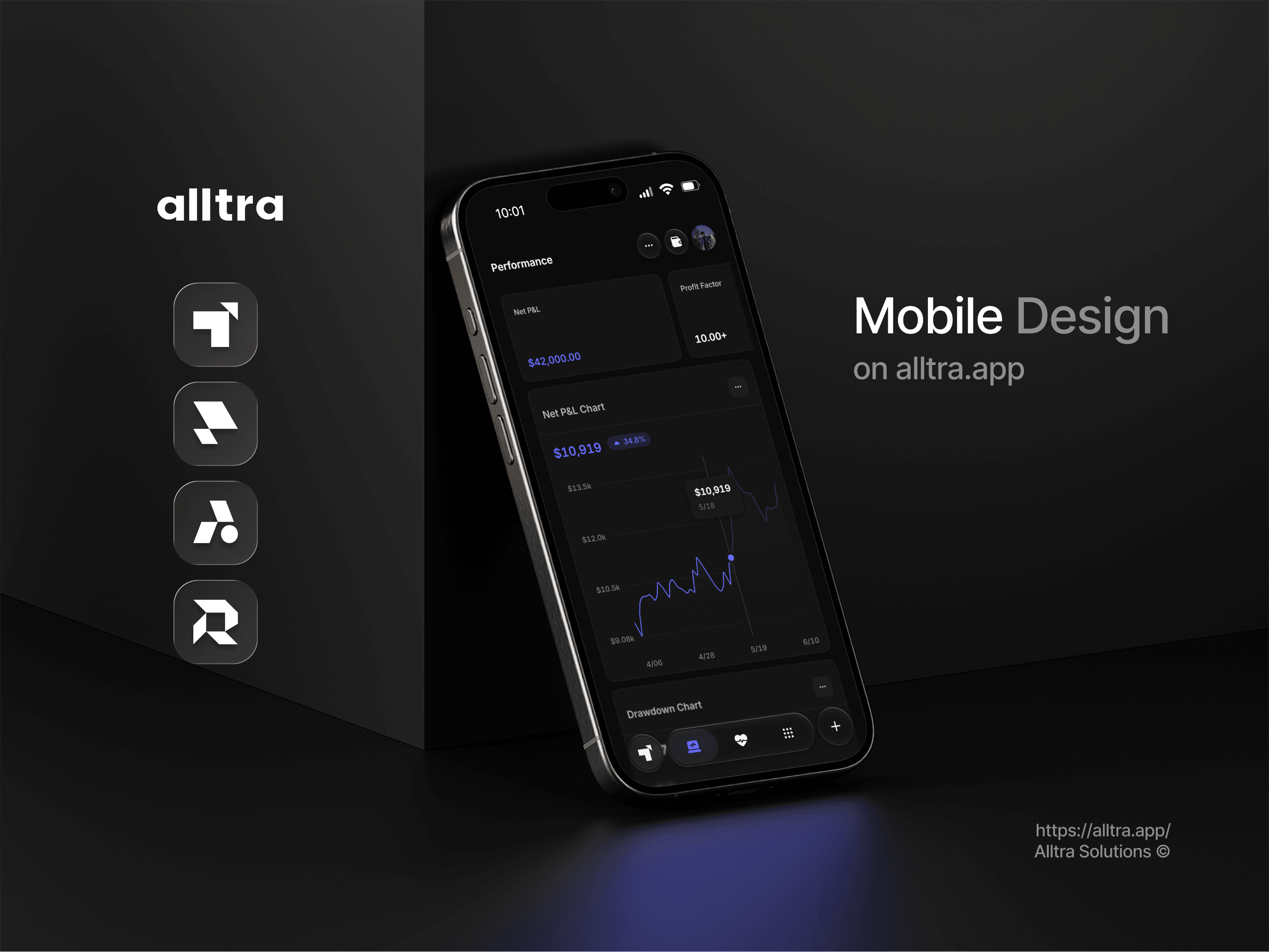
Alltra now runs in a mobile browser — Tracker, Portfolio and Intelligence, on the account you already have. Three of the other things this release adds are settings rather than features: how your dashboard is arranged, what counts as a breakeven trade, and which language the product speaks. An overtrading index widget joins the dashboard, and trade editing works correctly again.
Mobile web
- Tracker, Portfolio and Intelligence in any mobile browser — no separate app to install
- One account and one dataset: no mobile login, no partial history and nothing to keep in sync
- The performance measures that sit past the P&L number — profit factor, expectancy, win/loss ratio and drawdown — alongside net P&L, win rate, account growth and trade distribution
- The journal comes with it: entries, emotions, the calendar and the daily reports
- Daily reports from a month down to a single trade
- iOS and Android are next in the same rollout
Fixes
- Trade editing works correctly again
Improvements and additions
- An overtrading index widget on the dashboard
- Breakeven thresholds, so you decide what counts as a breakeven trade rather than classifying against exact zero
- Dashboard layout editing
- Spanish language support
What a breakeven threshold decides
The breakeven threshold in Settings › Preferences decides when a trade counts as flat rather than a win or a loss: a trade whose net P&L lands within that distance of zero, on either side, is a breakeven. The default is 10.00; 0 counts only an exact zero, which is rare once commission and fees are in the net figure.
The breakeven threshold changes what Alltra Tracker calls a trade, not the money in it. Net P&L is unchanged; the outcome counts follow the setting, and so do the win rates the performance terms glossary defines. The threshold is read in each trading account's own currency without conversion, and a change reclassifies every trade, including ones already logged.
Editing the Performance board in Alltra Tracker
Dashboard layout editing in Alltra Tracker applies to the Performance board: the Layout control in its toolbar opens a drawer whose Edit Current Layout tab starts layout mode, where each card has its own remove button. Drag a card within its group or into another group's free space, or drop it on a card in another group to swap the two; each card keeps its own size.
The Average Overtrading Index widget in Alltra Tracker plots your average trade count on each weekday, or on each two-hour block when a single day is selected, taken over every day you traded rather than only the selected dates, against a limit you choose for that period. Set limit lets you drag the line or type a number, boxes past it are toned as overtrading, and outside Demo Mode the confirmed limit is saved. Its headline index has no agreed formula and shows an em dash; the guide to reading the Performance board explains every card.
Which settings follow you to a phone
Alltra in a mobile browser uses the same login and data as a desktop. The breakeven threshold is one setting for your whole Alltra login, shared by every trading account and kept on the server, so Alltra Tracker labels a trade alike on a phone and a laptop. The Performance board's arrangement also travels between devices; a layout saved under a name stays in that browser.
The Language select in Settings › Personalize, offering English and Español, is stored per browser in a cookie rather than with your login, so choosing Spanish on a laptop leaves a phone's browser in English until you pick it there too. The choice changes words only: Alltra Tracker and Alltra Portfolio keep their English names, and amounts and dates keep their format.