Product updates
Alltra now speaks Spanish
- Category
- Product updates
- Published
- Author
- Alltra Team
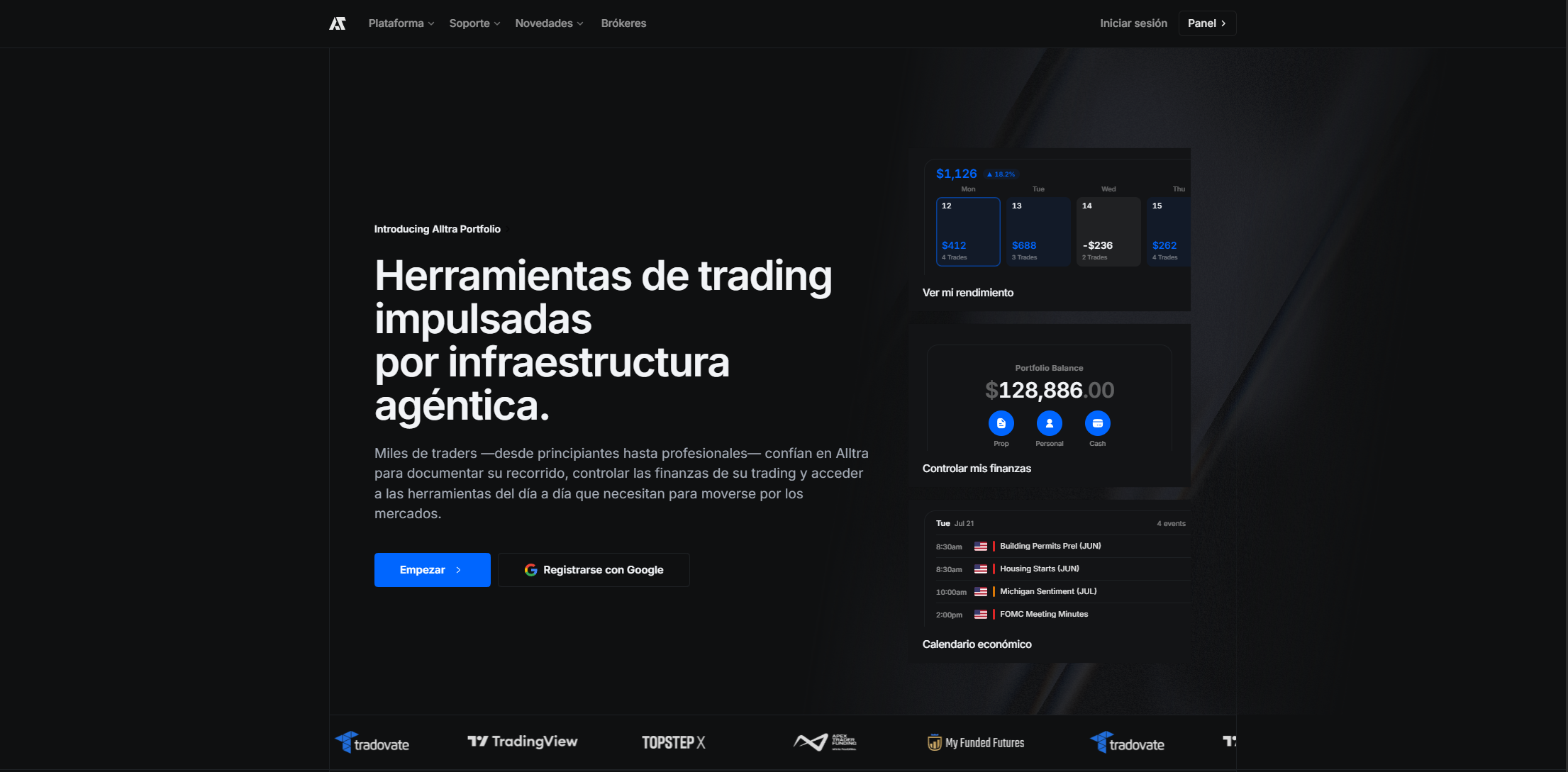
Alltra reads in Spanish. Not one page of it, and not a machine pass over the buttons: the product, the marketing site, the sign-in screens and the sixty-article guide, each translated and each carrying the same words for the same thing.
It is a choice you make, not one made for you. Nothing reads your browser's language and decides on your behalf, because a trader who works in English on a Spanish laptop should not have to change the product back.
Pick it once
The switch lives in Settings under Personalize, and in the footer of every page on the site, so a reader who has not signed up can still read in their own language. Your choice is remembered for a year and applies across the whole account, so setting it in the Tracker means the Portfolio is already Spanish on the next click.
Words only. Never your numbers
This changes the language, and nothing else. A trader reading Spanish still reads the same figures in the same shapes, because a preference about words has no business quietly reformatting money.
- Amounts, dates and percentages are untouched
- Your base currency stays your base currency
- P&L, drawdown and every other figure are the same numbers you had yesterday
Product names stay in English
Tracker, Portfolio, Intelligence and Resources are names rather than words, so they are never translated. A Spanish reader talking to an English one about the Portfolio is talking about the same thing, and a screenshot means the same in both directions.
Spanish on the first paint
Your language is on the request itself rather than looked up after the page arrives, so a Spanish page is Spanish from the first frame. No flash of English, no rearrangement a second later.
Anything not yet translated renders in English rather than as a blank or a missing-key marker. A gap should look like an English sentence, not like a broken page.